
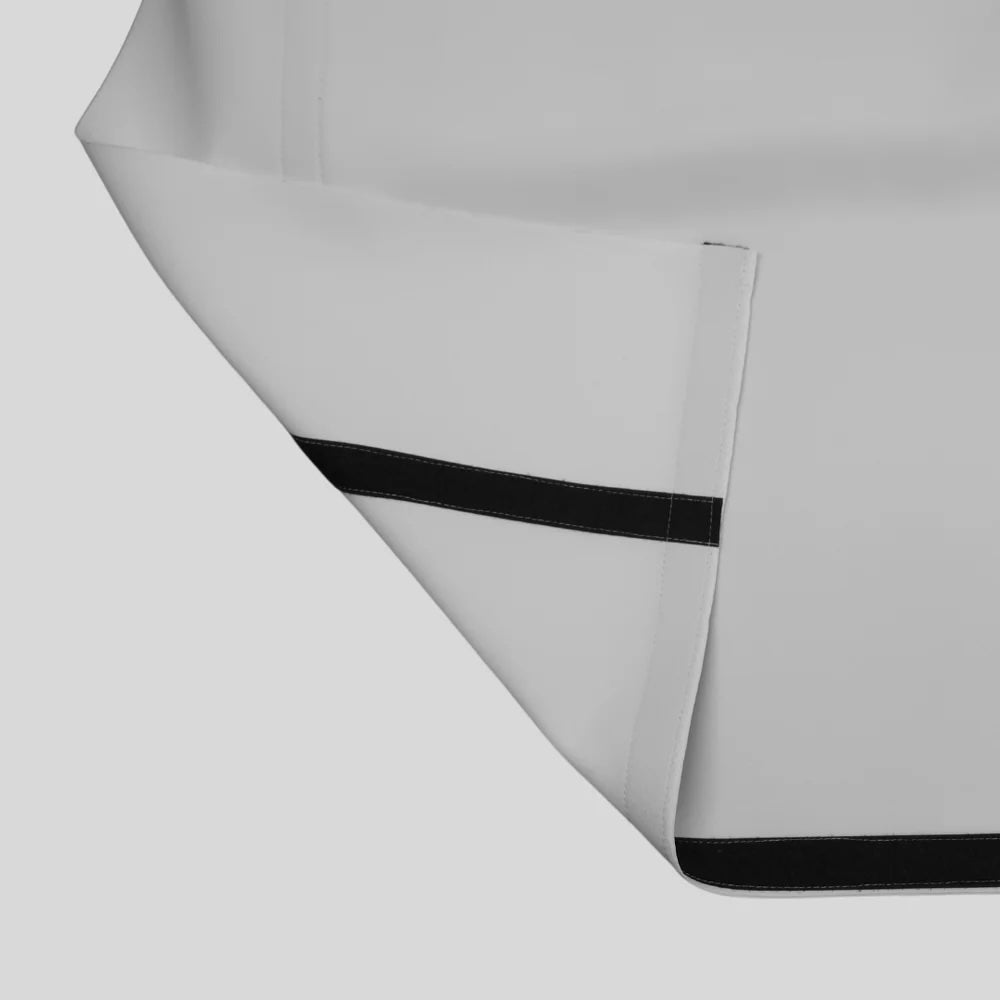

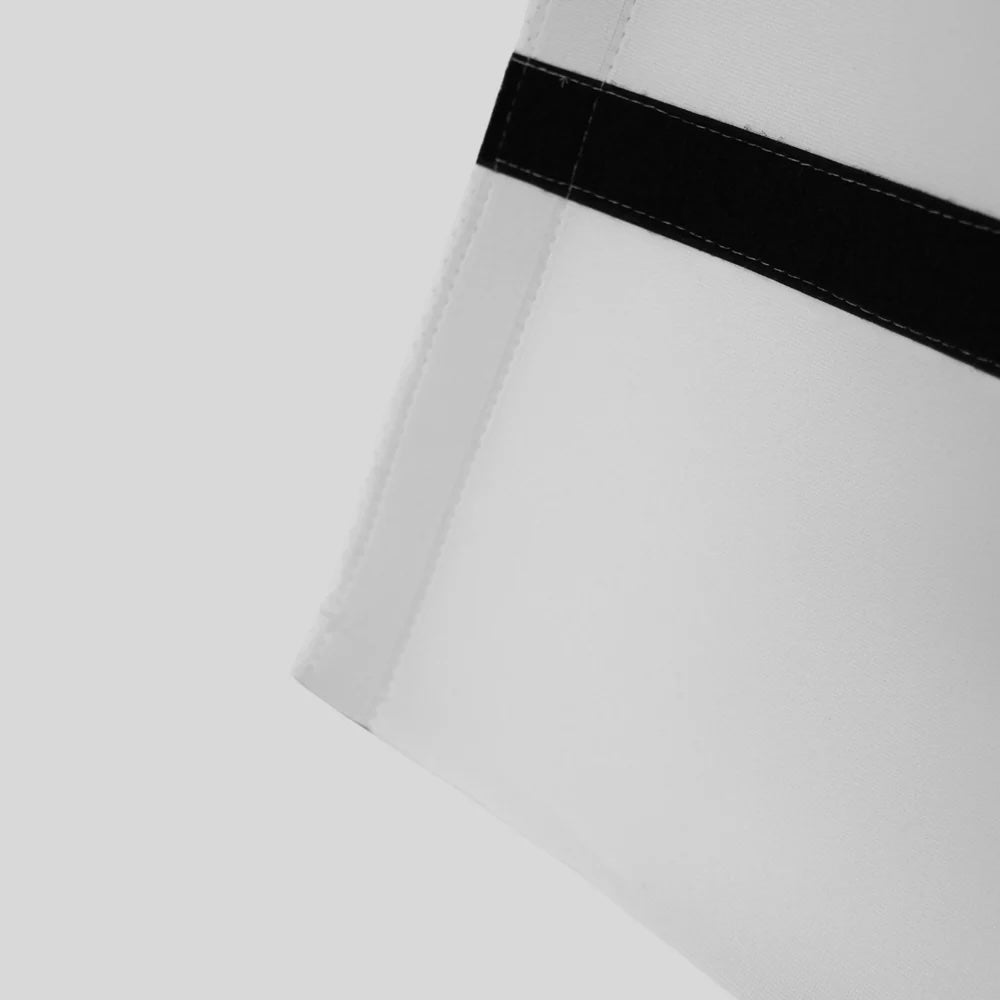
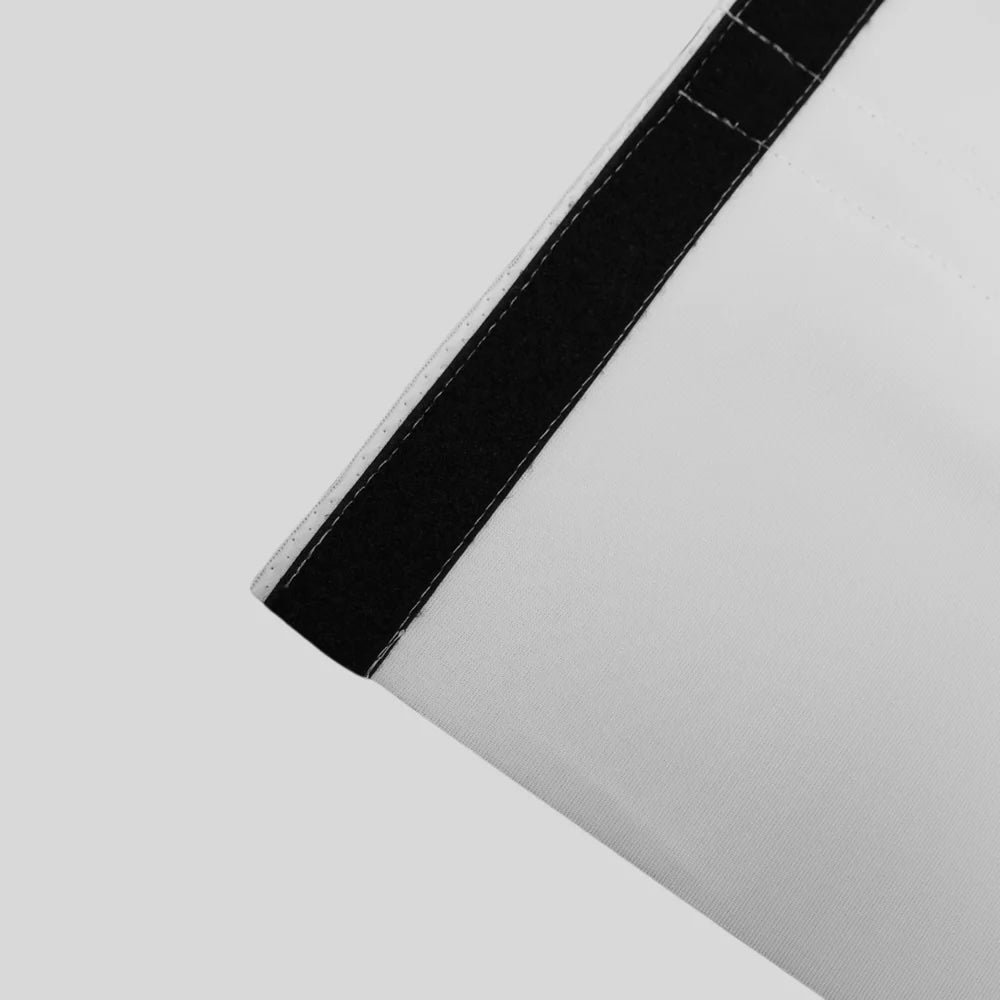
Gungho Golf Premium Eagle Impact Screen
Premium 3-layer impact screen engineered for realistic ball impact, crisp projection quality, and custom-fit golf simulator setups.
✔ Sold by the linear foot for custom width
✔ 10 ft fixed height for full simulator coverage
✔ Premium 3-layer construction for durability
✔ Designed for real golf ball speeds (up to 250 mph)
✔ Smooth, bright surface for clear projection
Choose options
Premium Eagle
Impact Screen.
Custom-sized to your enclosure. Three-layer woven construction rated to 250 mph ball speeds. Bright white surface for clean projection. Available in four heights (8–14 ft) and seven widths (8–20 ft) — ordered by the combination that fits your room, not trimmed from a standard sheet.
How to Order
Custom Sized — Choose Your Height, Then Your Width
The screen mounts to your enclosure frame. The dimension you need is the inside-frame opening of the enclosure, not your room's total width or ceiling height. Most Gungho enclosure kits include a screen — if you're purchasing the Eagle screen as a replacement or for a DIY frame, measure the inside opening of your frame (edge-to-edge of the timber or pipe the screen will attach to) and order that size. If you're building a DIY frame without an enclosure kit, add 12–18 inches of extra width beyond your intended screen width for the border/attachment margin, and order a screen that matches the enclosure opening.
Step 1 — Choose Your Height
- ✓For rooms with 9 ft or lower ceiling clearance
- ✓Fits most basement builds with duct or beam constraints
- ↓High-launch shots (driver loft) may clip upper screen edge
- ✓Ideal for 10 ft ceiling garages and finished basements
- ✓Full driver trajectory visible with headroom to spare
- ✓The gold standard for residential simulator builds
- ✓Maximises visual field for rooms with 12 ft+ ceiling
- ✓Purpose-built rooms and commercial installs
- ✓Extra visual margin above shot trajectory for immersion
- ✓Purpose-built commercial bays and dedicated renovated rooms
- ✓Full vertical field of view from tee to green
- ↓Requires 14+ ft usable ceiling clearance after enclosure frame
Step 2 — Choose Your Width
| Height × Width | Starting price | Best for | Aspect ratio |
|---|---|---|---|
| 10 ft × 10 ft | $569 | Standard 12–14 ft room, solo player | 4:3 — taller visual field |
| 10 ft × 12 ft | $689 | 14–16 ft rooms, dual-handed, most popular | Near 4:3 — Recommended |
| 10 ft × 14 ft | $809 | Wide two-car bays, 16+ ft rooms | Near 16:9 widescreen |
| 8 ft × 10 ft | $569 | Lower-ceiling basements, tight builds | 4:3 — short height |
| 12 ft × 10 ft | $719 | 12+ ft ceiling purpose-built rooms | Near 4:3 — tall |
| 12 ft × 12 ft | $839 | Commercial installs, luxury home builds | 1:1 — maximum coverage |
What's Inside
Three-Layer Construction — Why It Matters
Most budget impact screens are single-layer woven fabric. At low ball speeds they're adequate. At driver speeds, single-layer screens degrade quickly, develop holes in the high-impact zone, and produce inconsistent rebound behaviour that bounces the ball back unpredictably. The Eagle screen uses three distinct layers, each with a specific job.
Outer projection surface — bright white, tightly woven
The outermost face is a smooth, bright white woven surface that reflects projector light evenly across the full screen area. Tight weave means no visible pixel gap through the fabric — the projected image appears as a continuous surface, not a grid. The white base coat also maximises contrast and colour accuracy from any short-throw projector.
Energy absorption middle layer — decelerates the ball
The mid-layer is a denser woven fabric that absorbs and distributes the ball's kinetic energy as it passes through the outer surface. This layer does the structural work of slowing the ball — reducing the rebound velocity to a safe, contained bounce rather than a full-speed return. At 250 mph ball speeds this layer takes the most stress and is what separates a long-lasting screen from one that holes within a season.
Backing layer — structural integrity and shape retention
The innermost backing layer maintains the screen's flat, tensioned shape across the full surface area. Without a backing layer, the screen billows and develops ripples that distort the projected image and create inconsistent impact behaviour from shot to shot. The backing also prevents the energy-absorbing mid-layer from separating under repeated high-speed impacts.
Performance
What the Eagle Does That a Practice Net Can't
- ✓Bright white surface for full-colour projector imagery — full course simulation experience
- ✓Reduced bounceback — ball decelerates through the fabric and falls to the floor landing zone within 2–4 ft of the screen
- ✓Consistent impact behaviour — the ball returns predictably from every position on the screen, not randomly depending on weave direction
- ✓3-layer construction survives thousands of driver-speed impacts before wear becomes significant
- ✓Designed for proper enclosure tensioning — maintains flat surface that preserves projection quality
- ↓Cannot project onto — open mesh absorbs and scatters all light, no visual display possible
- ↓High bounceback on mesh nets — ball can return at full speed toward the golfer
- ↓No impact zone consistency — ball direction after impact varies with mesh tightness
- ↓Mesh degrades in a single zone faster than a woven screen — ball opens the mesh laterally rather than puncturing a small hole
- ↓Containment only — no simulation, no data projection, no course experience
Why It Works
The Details That Separate Good Screens from Bad Ones
-
Projection quality is about surface smoothness, not just brightness
A common projector complaint in simulator setups is a "grainy" or "textured" image on the screen. This almost always comes from an open-weave or coarse-surface impact screen where the fabric weave is visible through the projected image. The Eagle's tight outer weave eliminates this — the projected surface appears smooth and continuous from playing distance. Combined with a bright white base reflectance, you get clean colour and contrast with any 3,000+ lumen short-throw projector.
-
Rated to 250 mph — what that actually means
World long drive competitors swing at 150+ mph clubhead speed, producing ball speeds in the 220–250 mph range. The Eagle screen's 250 mph rating means it is designed to safely contain balls at speeds that exceed anything any amateur golfer will produce — including professionals. For a typical club golfer with 85–105 mph driver swing speed and resulting ball speeds of 125–155 mph, the Eagle screen is operating at roughly half its rated capacity on every shot. This safety margin is why the screen lasts significantly longer in normal home use than the design rating would suggest.
-
Reduced bounceback — the metric that determines how your landing zone works
Screen bounceback is the velocity the ball retains after passing through the screen fabric and rebounding toward the golfer. A high-bounceback screen returns the ball with enough speed to travel 8–12 ft back into the room — meaning the ball frequently ends up near or behind the hitting position. A well-designed woven screen like the Eagle reduces this to a short hop that falls within 2–4 ft of the screen face. This is why your landing zone flooring matters — a properly configured landing zone (thick turf on rubber tile padding) stops the ball cleanly within the enclosure. The screen and landing zone work as a system.
-
Custom sizing is the feature, not a complexity
A screen trimmed from a standard sheet wastes material and leaves raw edges that fray quickly at the highest-stress point — the attachment edge. Custom sizing means the Eagle screen is manufactured to your exact dimensions with finished, reinforced edges on all four sides and attachment grommets positioned for the precise frame geometry. The result is a screen that installs cleanly, tensions correctly across the full surface, and maintains its flat projection plane across its full life rather than developing sag or ripple at the edges.
Installation Detail
Screen Tension: The Difference Between a Good Image and a Great One
Tension is the most under-discussed variable in simulator screen installation. The same screen, at different tensions, can look dramatically different on projection and behave very differently on ball impact.
Authorized Dealer
Official Gungho Golf dealer. Full warranty coverage.
Free Shipping
All screen sizes ship free to the contiguous US.
Custom Sized
Manufactured to your exact H × W. Finished edges, grommets included.
250 mph Rated
Safe at speeds well above any home golfer's ball velocity.
U.S. Support
Real help for sizing, installation, and setup questions.
Questions
Frequently Asked Questions
Not Sure What Size You Need?
Use the free room configurator — enter your room dimensions and get a specific screen size recommendation alongside the enclosure and hitting mat for your setup.